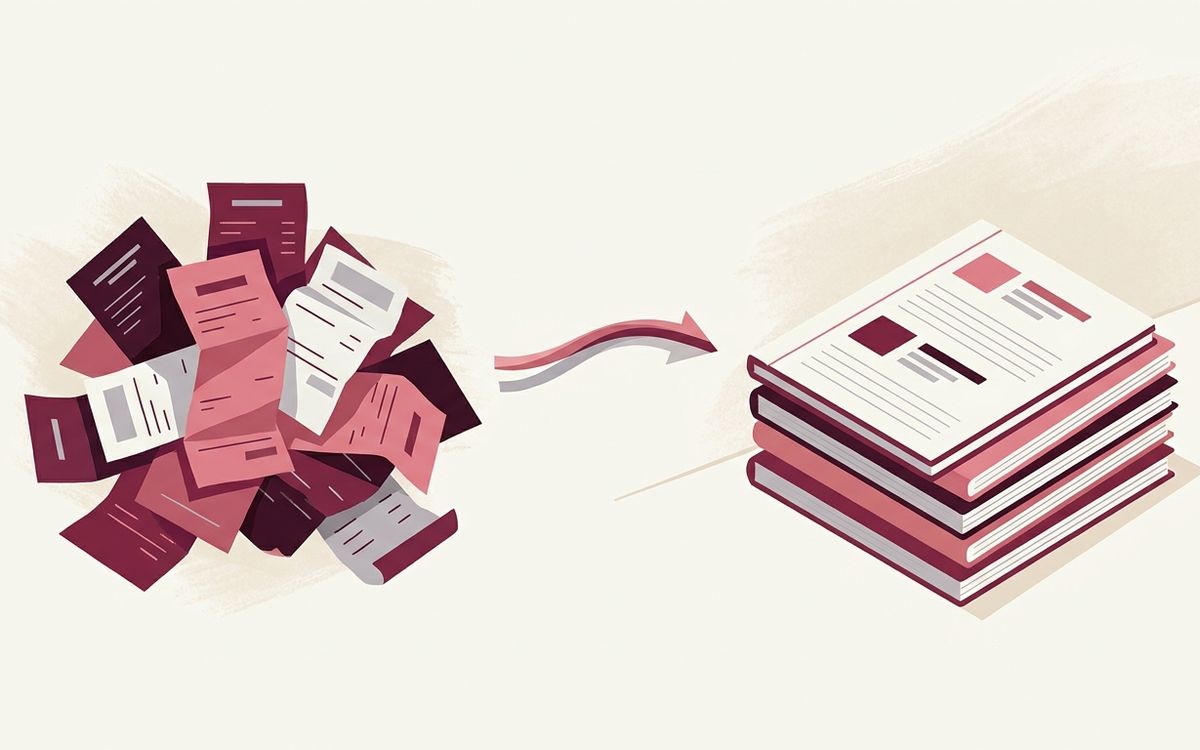

You open QuickBooks to check your cash balance. It shows one number. Then you open your bank app and see a different one, off by hundreds or thousands, not a few dollars. And you have a sinking feeling this has been true for a while and you have just been ignoring it.
This post explains what causes QuickBooks to drift away from your actual bank balance, why the gap keeps compounding, how to find what is wrong, and how to fix it before tax season turns it into a real problem. Nguyen Accounting Group is a Sugar Land CPA firm founded by Thuy Nguyen, JD, CPA, CTC, CTRS, and its services include QuickBooks bookkeeping and tax return preparation.
Once you know the handful of things that cause it, you can usually trace your gap back to its source.
What bank reconciliation is and why it matters
Bank reconciliation is the process of matching what QuickBooks says happened in your account against what your bank statement says happened, line by line, until the two agree for a given period. When they agree, your books are tied to reality. When they do not, your books are telling you a story that is partly fiction.
This matters because every number that comes out of QuickBooks is built on the assumption that the bank account is reconciled. Your profit and loss statement, your balance sheet, your sales tax filings, and most importantly the tax return prepared from your books, all of it rests on reconciled accounts. If the books are not reconciled, the return is built on sand. You could be overstating income and overpaying tax, or understating income and setting up an IRS problem later. Neither is good, and you cannot know which one you are doing until the account is reconciled.
Why drift compounds unnoticed
The dangerous thing about reconciliation drift is how well it hides. A small error in January does not announce itself. It just sits there, and February gets reconciled on top of it, and March on top of that. Each month the starting balance is already wrong, so each month inherits the error and may add its own. By the time you notice in November, you are not looking at one mistake. You are looking at eleven months of compounded mistakes layered on each other.
This is why drift is a tax season problem specifically. It can be ignored most of the year because nothing forces the issue. Then a return deadline arrives, the books have to be right, and a year of accumulated drift has to be untangled all at once under time pressure.
The real causes of reconciliation drift
This is the list to check yourself against.
1. Duplicate transactions
A transaction gets entered manually, then the bank feed imports the same transaction, and now it appears in QuickBooks twice. Or a transaction gets matched to the wrong existing entry and a duplicate is left behind. Every duplicate throws your QuickBooks balance off by that amount, and they accumulate.
2. Deleted or voided transactions in already-reconciled periods
Someone goes back and deletes or voids a transaction that was part of a prior reconciliation. QuickBooks lets you do this, but it silently breaks the reconciliation that transaction belonged to. The prior period no longer ties out, and every period after it inherits the break. This is one of the sneakiest causes because the damage is done in the past, not the present.
3. Transactions entered in the wrong account
A business expense paid from a personal card but entered against the business checking account. A transfer between two accounts recorded as an expense. A payment posted to the wrong bank account entirely. The total might even look close, but the specific account you are trying to reconcile is off.
4. Uncleared transactions piling up
Checks written but never cashed, deposits recorded but never actually made, payments stuck in transit. A few uncleared items are normal. A long list of stale uncleared transactions, some of them months old, means the books are recording money movement that never actually happened.
5. Bank fees, interest, and auto-charges never entered
Monthly service fees, merchant processing fees, interest, and recurring auto-charges that the bank applied but no one entered into QuickBooks. Each one is small. Twelve months of small ones is not.
6. The opening balance was wrong from the start
When the QuickBooks account was first set up, the opening balance was entered incorrectly, or a generic opening balance equity entry was made and never corrected. If the foundation is off, everything built on that foundation is off, and no amount of careful monthly work will make it tie out until the opening balance is fixed.
7. Reconciliations forced to balance with a fake adjustment
This is the one that does the most long-term damage. QuickBooks offers to make a reconciliation adjustment when you cannot find the difference. Someone clicks it to make the screen say zero and move on. Now there is a plug entry in the books that hides a real error instead of fixing it. The reconciliation looks done but the books are now actively lying.
How to find your gap
Here is the practical sequence to trace reconciliation drift back to its source.
- Find the last month that actually reconciled correctly, with no forced adjustment. That is your clean starting point. The drift began after it.
- Pull the reconciliation reports for each month after your clean point and look for any reconciliation adjustment or plug entries. Those are cause number seven, and each one is hiding a real error.
- Scan for duplicates. Sort the register by amount and look for matching pairs on or near the same date. Bank feed duplicates usually show up this way.
- Review the uncleared transactions list. Anything stale, months old and still uncleared, needs to be investigated, corrected, or removed.
- Check the opening balance and the opening balance equity account. A nonzero opening balance equity balance that nobody can explain is often the original sin.
Work month by month from your last clean reconciliation forward. Do not try to fix the current month in isolation, because it inherited everything below it. The drift has to be unwound in order.
How to fix it, in the right order
Fixing drift is methodical, not heroic. The order matters.
First, fix the foundation. If the opening balance is wrong, correct that before anything else, because every later month sits on top of it. Second, remove the fake plug entries. Delete the forced reconciliation adjustments so you are looking at the real gap, not one that has been papered over. Third, work forward month by month. Re-reconcile each month against the actual bank statement, fixing duplicates, missing fees, misposted transactions, and stale uncleared items as you reach them. Fourth, when you genuinely cannot find a small difference after real effort, then and only then make a documented adjustment, with a note explaining the difference, rather than an anonymous plug.
The goal is not a screen that says zero. The goal is books where every number can be traced to a real bank transaction. That is the version of clean books that produces a tax return you can stand behind.
Why this matters most right before a return is due
A tax return is only as accurate as the books behind it. Reconciliation drift caught in the fall is a manageable cleanup. The same drift discovered in March is a scramble.
There is also a downstream risk. Books that overstate income mean you overpay tax. Clean reconciliation is the difference between a defensible return and a problem waiting to surface.
Where Nguyen Accounting Group fits
Accounting and QuickBooks is one of our five service pillars, alongside Tax Resolution, Payroll, Business Advisory and Fractional CFO work, and Tax Return Preparation.
FAQ
Why does QuickBooks show a different balance than my bank?
The most common causes are duplicate transactions from bank feeds, transactions deleted or voided in already-reconciled periods, transactions posted to the wrong account, stale uncleared items, bank fees never entered, a wrong opening balance, or forced reconciliation adjustments that papered over a real error.
What is reconciliation drift?
Reconciliation drift is the growing gap between what QuickBooks says your account balance is and what the bank actually says. A small error in one month gets inherited by every month after it, so the gap compounds unnoticed until something, usually a tax deadline, forces the issue.
Why does reconciliation drift get worse over time?
Each month is reconciled on top of the previous month starting balance. If that starting balance is already wrong, the new month inherits the error and may add its own. By the end of the year you are not looking at one mistake but at many months of compounded mistakes layered together.
Can I fix QuickBooks reconciliation problems myself?
Sometimes, if the drift is recent and small. Find the last month that reconciled correctly, remove any forced adjustments, fix duplicates and missing fees, and work forward month by month. A full year of compounded drift with opening balance problems is usually faster and safer to hand to a professional.
What is a reconciliation adjustment and why is it a problem?
QuickBooks offers to create an adjustment when you cannot find a reconciliation difference. Clicking it makes the screen say zero, but it inserts a plug entry that hides a real error instead of fixing it. The reconciliation looks done while the books are actively wrong. These adjustments should be removed and the real error found.
Why does reconciliation matter for my tax return?
Your tax return is built from your books, and your books are only accurate if the accounts are reconciled. Unreconciled books can overstate income, which means you overpay tax, or understate income, which sets up an IRS problem later. A reconciled file is the foundation of a return you can stand behind.
Ready to talk
If your QuickBooks and your bank have stopped agreeing, Book Your 15-Minute Intro Call. Pick a time, talk for 15 minutes, and decide together whether to work with us. Call 832.500.4299 or book online. Our office is at 12440 Emily Ct Suite 303, Sugar Land, TX 77478. Hours are Monday through Thursday, 9 AM to 1 PM and 2 PM to 5 PM, and Friday 9 AM to noon.